![crfs_white.png]](https://www.crfs.com/hs-fs/hubfs/crfs_white.png?height=40&name=crfs_white.png)
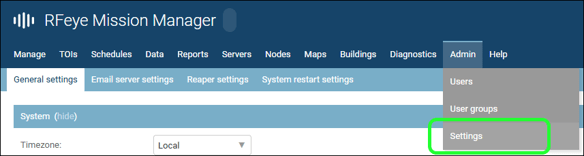
- After setting up your Mission Manager server, open the Mission Manger web interface in your browser and go to the Admin menu option
- In the dropdown menu, click Settings
- On the General settings page locate the License section and save the cluster id as a text file, or copy the text string
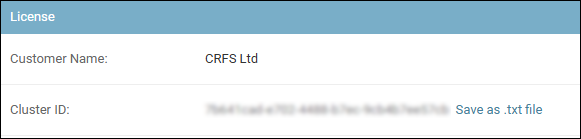
- Send the cluster ID to CRFS Support in a support ticket
- The Customer Support team will generate your Mission Manger licence key and share it with you in your support ticket
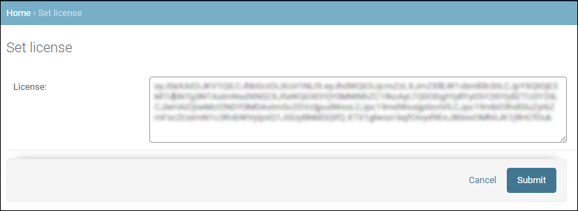
- Copy your licence key and install it using the Set License option in the License section